Mirror Direct
Prepare permitted source images, exact configuration and a named model with visible provenance.
Model development ↗
The EON foundation
Connect equipment context and rehearsal with supervised guidance, evidence and a permitted learning update.
Discuss this task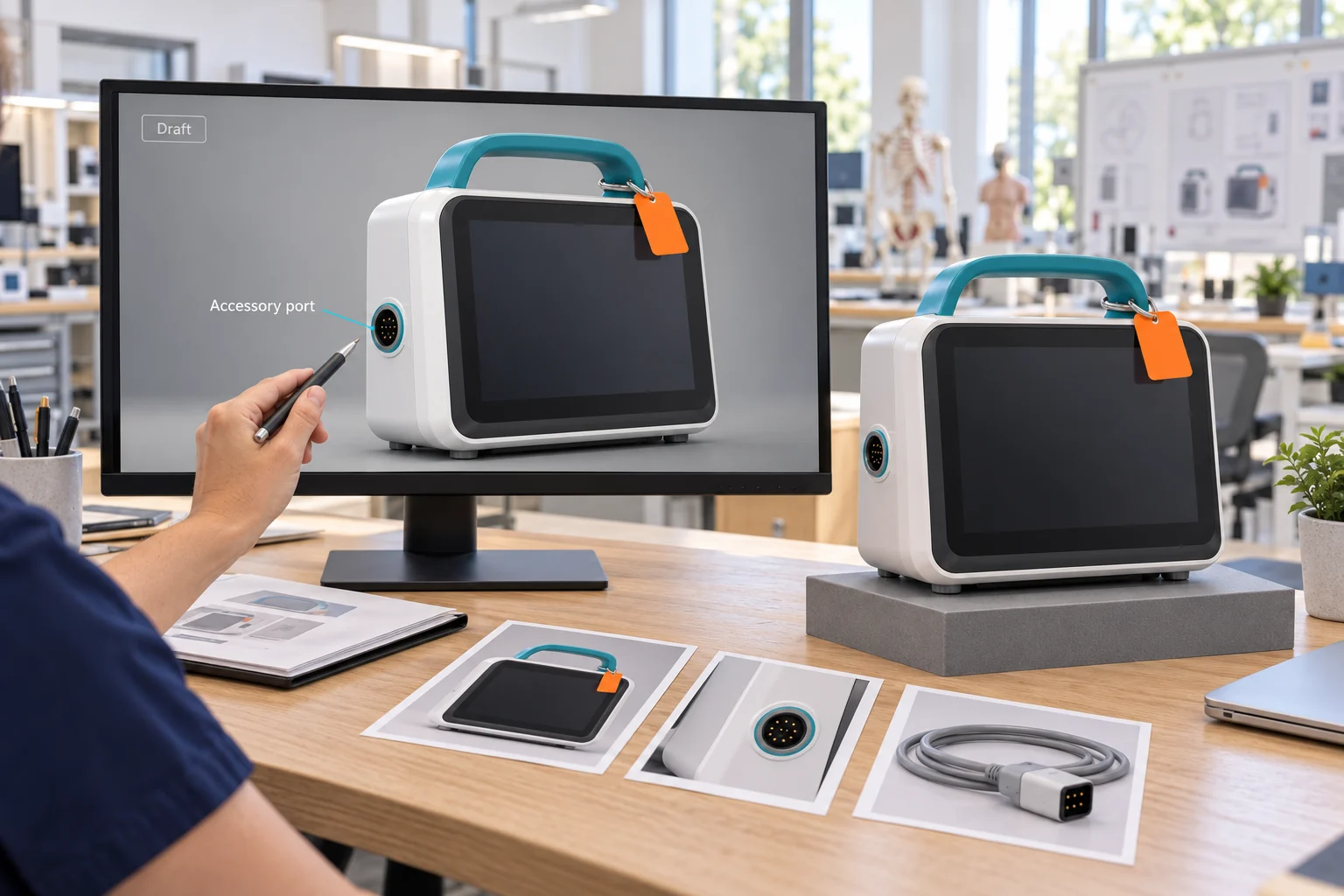
01 / Digital Twin · Genesis
Represent, explain and rehearse.
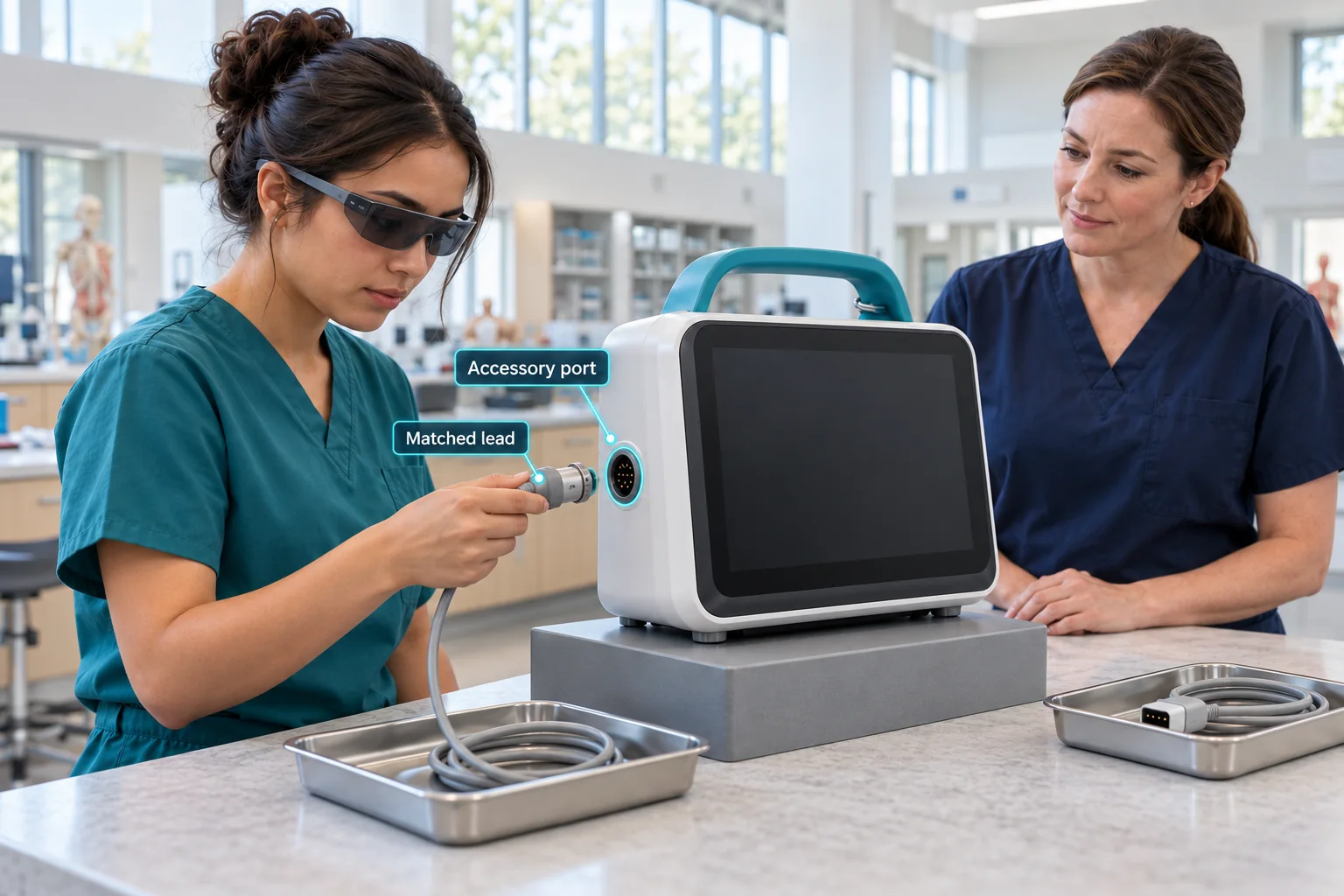
Connect a permitted equipment representation and approved source procedure. Genesis provides Show Me, Train Me, Let Me Try and Evaluate Me modes, with a task and rubric agreed by the educator.
For the first monitor exercise, the important details are the accessory port, matched movement, different-key decision and confirmed handover.
02 / Work Loop · Field-IQ
Guide, assist, assess and capture.
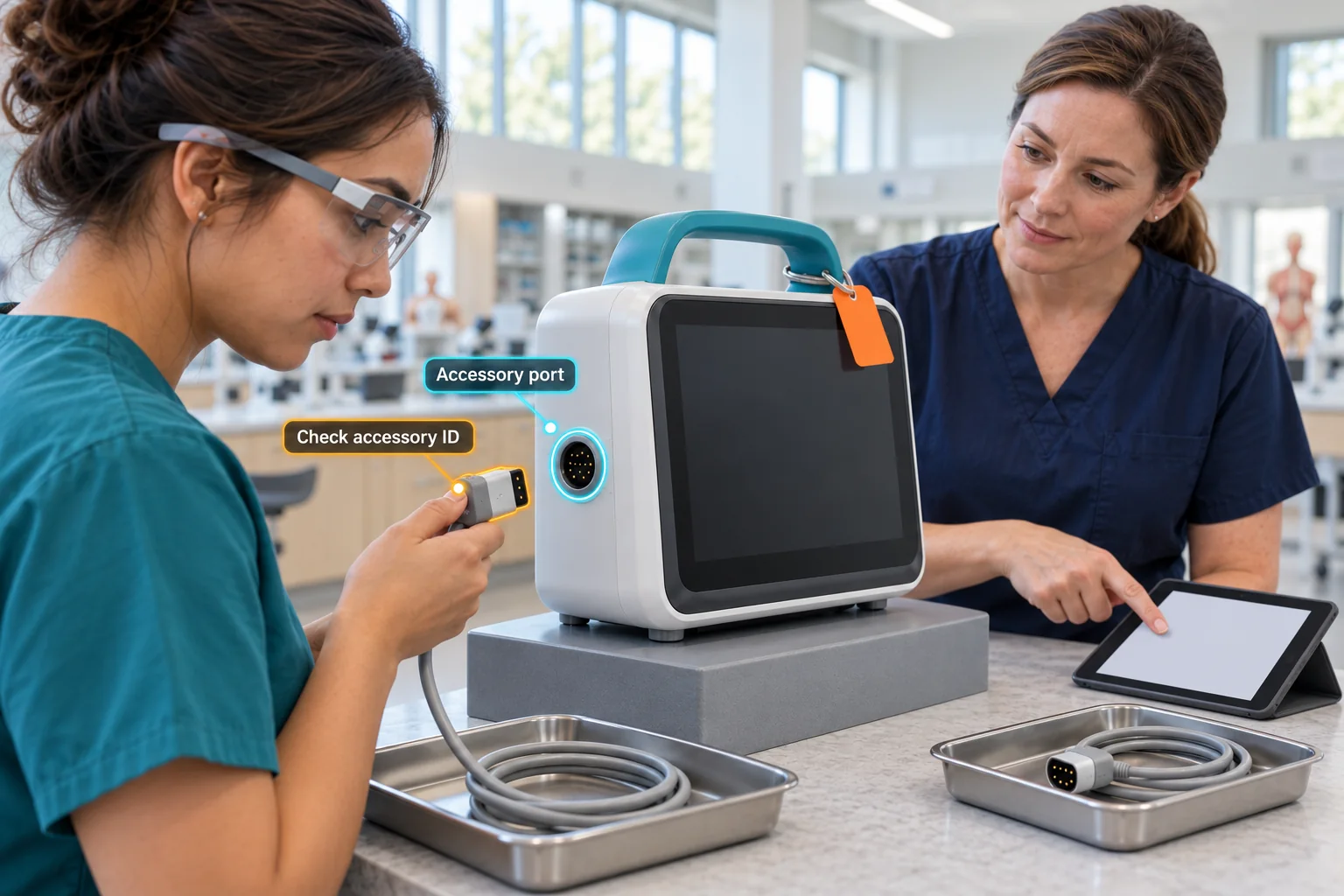
Confirm the equipment and source, make the next action clear and retain the unresolved exception. Keep the educator’s criteria and missing evidence visible when reviewing performance.
Device support, tracking, capture and the customer-specific workflow are agreed and verified within the pilot.
Expert knowledge
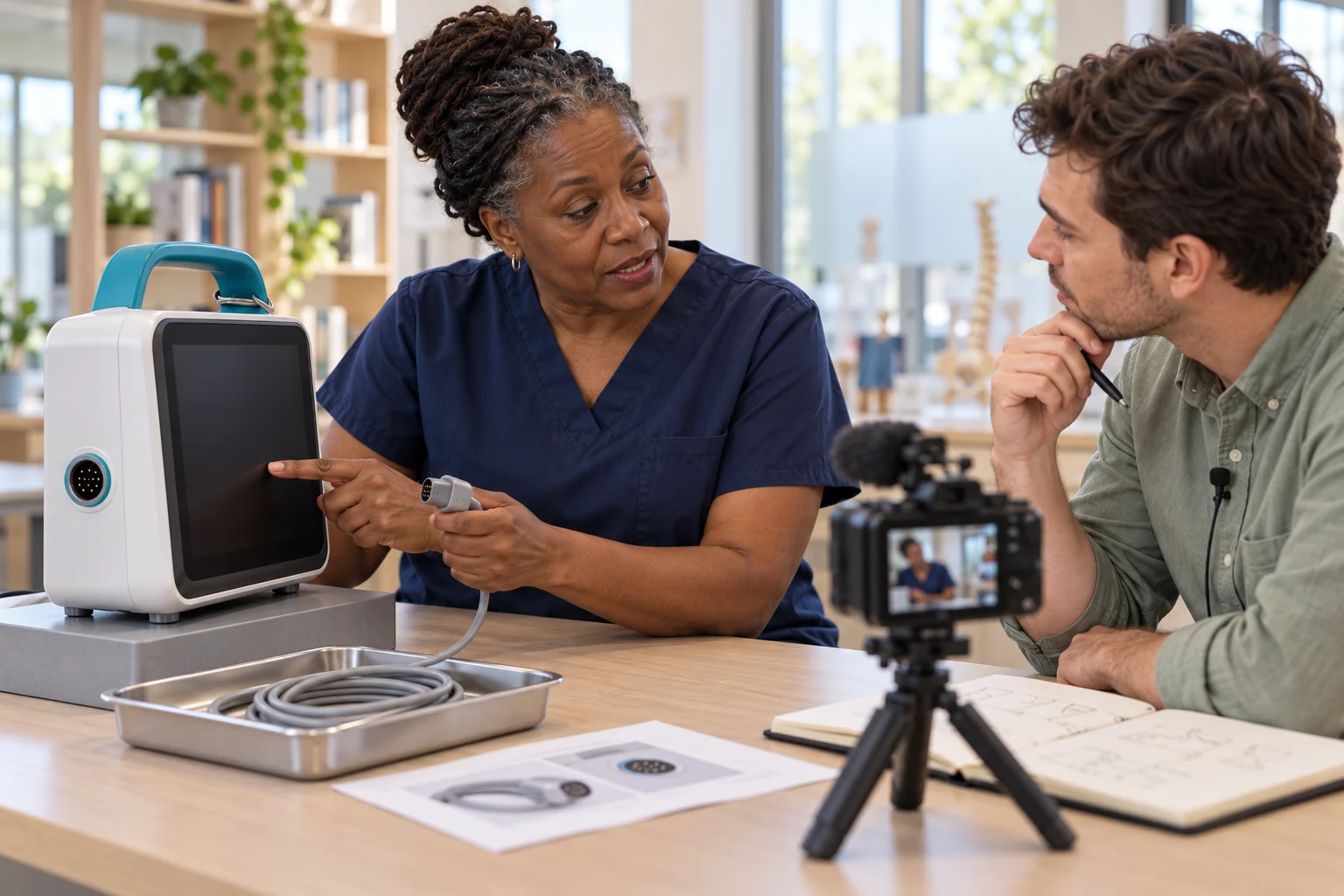
Experience is most useful when its context survives.
Capture the educator’s demonstration and reasoning where that adds value. Tacit and related knowledge tools can support the training design without adding unnecessary products to a focused first pilot.
The reviewed learning loop
Keep the source, the action and the review connected.
01 / Capture
Connect equipment images, the source procedure and the educator’s explanation. Preserve what makes the decision meaningful.
Explore the connected platform ↗
02 / Rehearse
Explore the parts, watch the movement and rehearse a useful decision in Genesis before the supervised equipment run.
Explore the connected platform ↗
03 / Perform
Field-IQ supports the supervised training run: guide the action, assist with a source-linked question and capture the exception.
Explore the connected platform ↗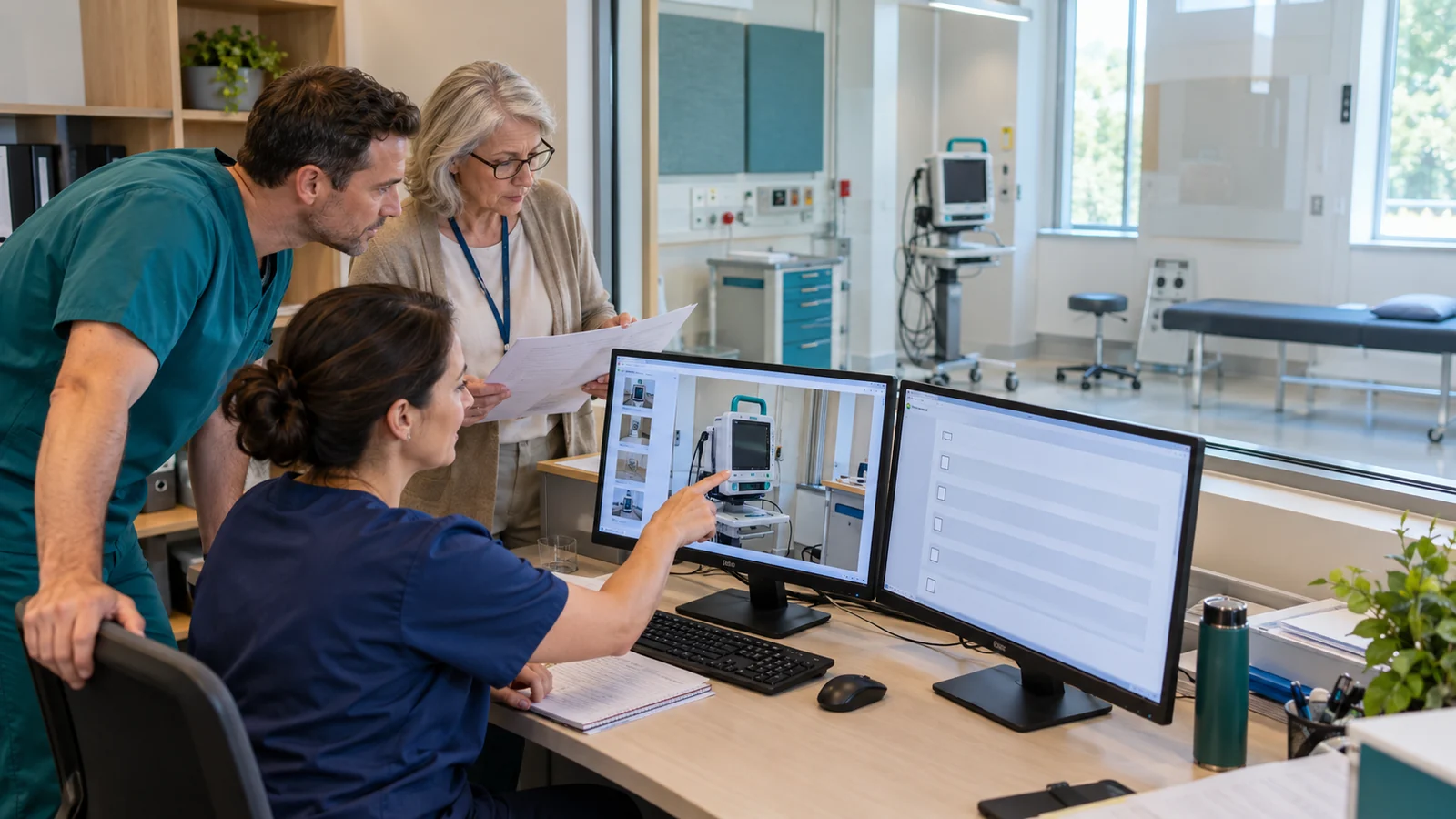
04 / Assess
Inspect the action, handover and missing proof against the educator’s criteria. Keep the record useful for feedback.
Explore the connected platform ↗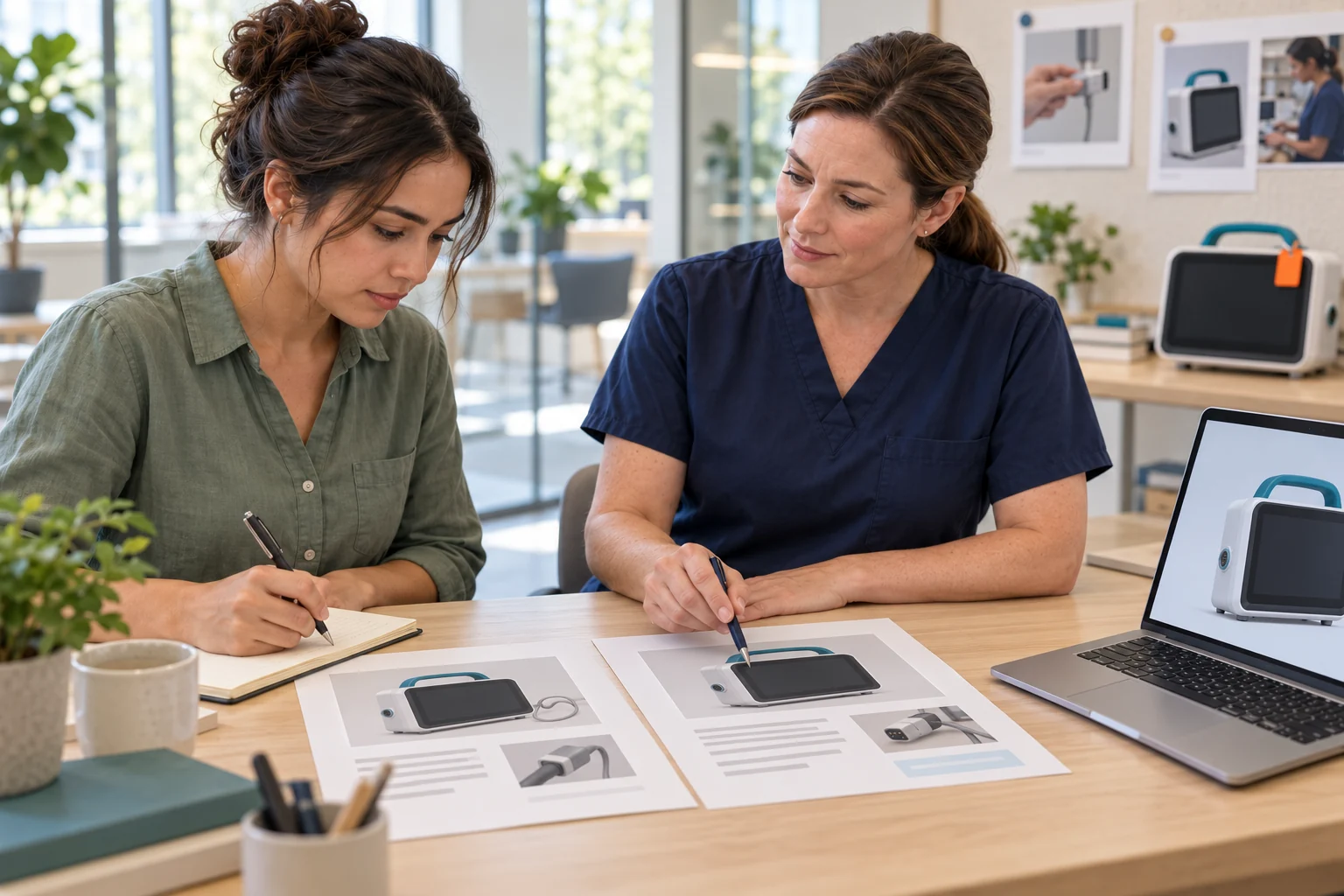
05 / Improve
An educator reviews the proposed change. Customer permission comes before releasing a new content version to the next rehearsal.
Explore the connected platform ↗Platform timing, with its scope intact
EON parent-platform benchmarks. Healthcare timing has not been measured. Expert review, configuration validation, implementation and full task completion are additional work.
A separate development path
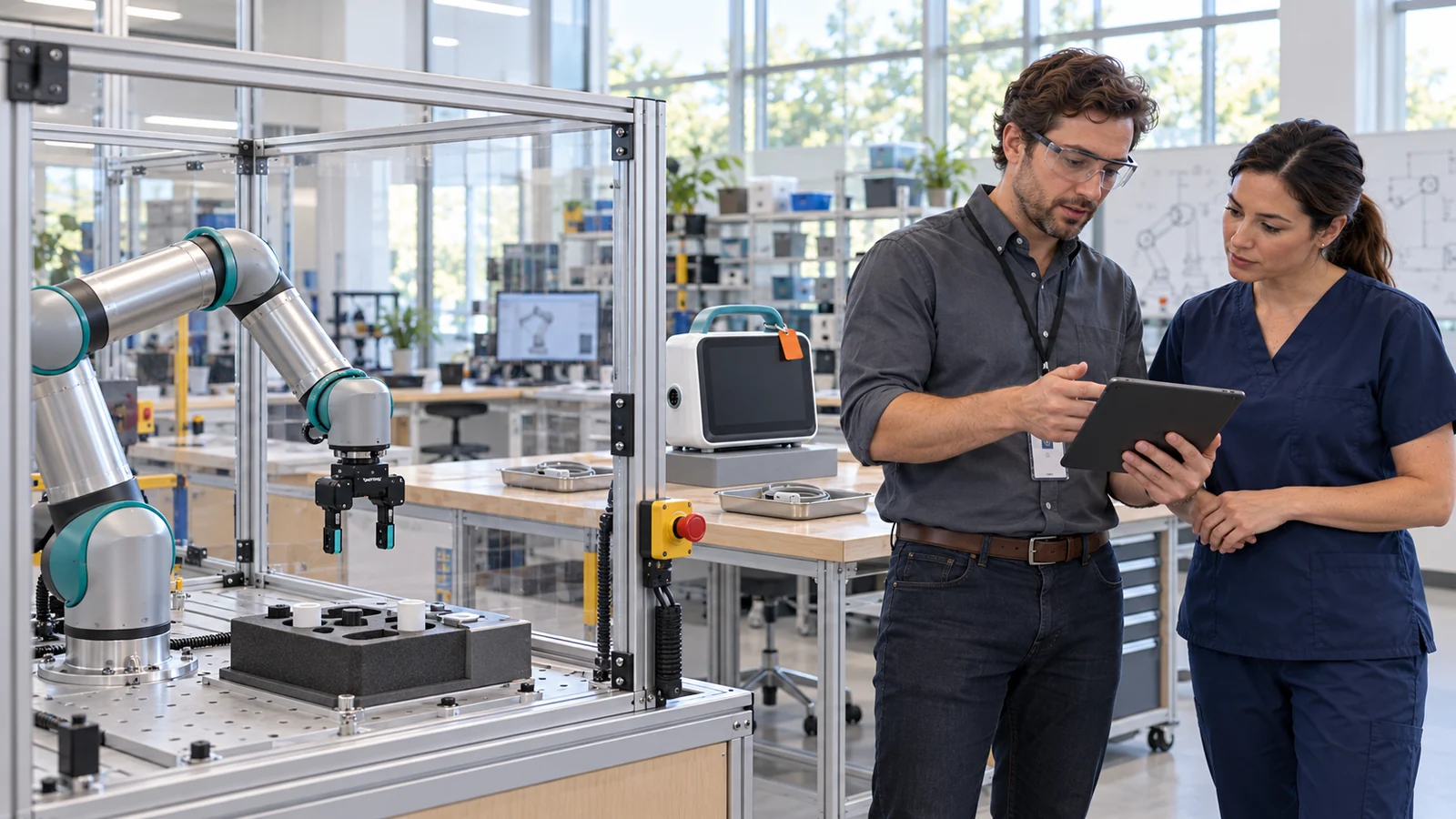
Future supervised robot tasks need their own evidence.
A defined robot, hardware partner, operating envelope and physical validation would be required for a separate development programme. The current Healthcare offer begins with people on designated training equipment.
Staged development concept. No Healthcare robot deployment is demonstrated.
Build the first useful loop
Bring one permitted image and an approved training procedure. Let’s define the learning objective, reviewer and evidence together.
Linked product pages
Prepare permitted source images, exact configuration and a named model with visible provenance.
Model development ↗
Specify Briefing, Show Me, Train Me and Assess Me around the same equipment and meaningful wrong choice.
Lesson development ↗
Keep source-linked context, unresolved evidence and a reviewable handover in the supervised training run.
Guided training ↗